How to Get More Google Reviews for Your HVAC Company: The 3-Text System
The short answer
Get more Google reviews for your HVAC company by texting every customer the same day the job is done with a direct review link and the tech's name, sending one reminder three days later, and thanking them when the review lands. Ask only after a good visit, never offer anything in exchange, and reply to every review in your own voice. Run this way, roughly one in four customers leaves a review, which lifts your map pack and Local Services rank and makes every ad you run cheaper.
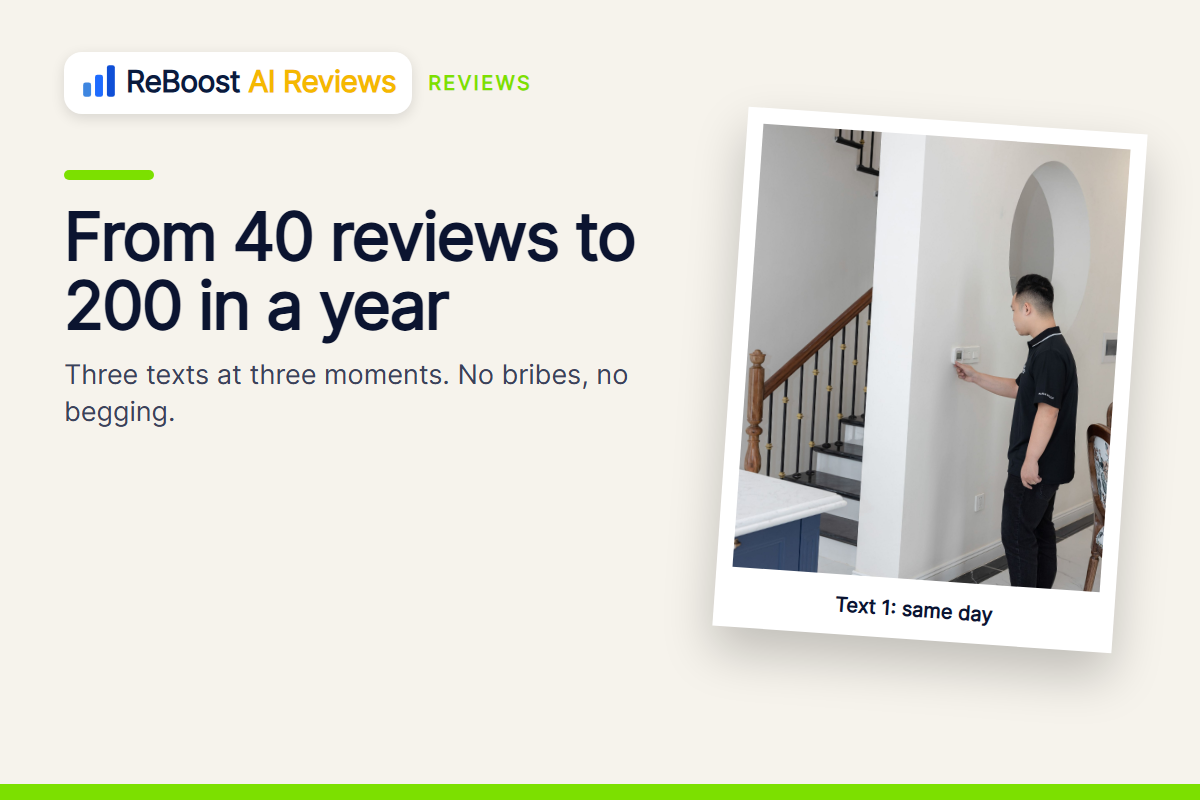
Your competitor with 340 Google reviews is not a better HVAC company than you. He has a system that asks. You have a tech who means to and forgets. Here is the system: three texts, sent at three moments, that take a shop from 40 reviews to 200 in a year without ever being pushy, plus what to do about the one-star ones.
The short answer
Get more Google reviews for your HVAC company by asking every customer by text the same day the job is done, with a direct link to your review page and the tech's name in the message, then one reminder three days later, and a thank-you when the review lands. Ask only after a good visit, never offer anything in exchange, and reply to every review in your own voice. Shops that run this get a review from roughly one in four to one in three customers, which is five to ten times what "please leave us a review" on the invoice gets.
Why reviews are now a lead source, not a vanity number
Ninety-seven percent of consumers read local reviews before picking a service business. (a BrightLocal consumer survey.) But the bigger reason for HVAC in 2026 is Google itself: your review count and rating are the main inputs to where you show in the map pack and in Local Services Ads, and a rating under 3.0 removes you from LSA entirely. Reviews are the cheapest way to rank for "furnace repair near me," which is the search that drives 60 percent of first contacts. More reviews means cheaper leads. That is the whole case.
ReBoost AI Reviews asks and answers for you.
A review request goes out after every job while the customer is still happy, and every Google review gets a reply in your voice, so the system runs whether or not anyone remembers at 5 pm. From $27 a month, $0 setup, month to month.
Step 1: get your direct review link
In your Google Business Profile, under "Ask for reviews," copy the short link. It opens straight to the five-star box with no searching. Shorten it if your text tool does not do that for you. Put it in a note on every tech's phone and in the office's text templates. Without this link, the customer has to find you on Google, find the reviews tab, and find the button. Each step loses half of them.
Step 2: the three texts
Text 1, same day, within an hour of the invoice being paid:
"Hi Dana, this is Marcus from Summit Heating. Thanks for having us out today. If the visit went well, would you take 30 seconds to leave us a Google review? It helps a small shop more than you'd think: [link]. Thank you!"
Same day matters. The homeowner is still warm from a working furnace. Reviews asked for the same day come in at three to four times the rate of ones asked for a week later.
Text 2, three days later, only if no review yet:
"Hi Dana, Marcus again. No pressure at all, just in case it got buried: here's the review link if you have a minute. [link]"
One reminder. Never two.
Text 3, the day the review lands:
"Dana, just saw your review. Thank you, that made the crew's day. Call me direct if you ever need anything."
Text 3 is the one everybody skips and it is the one that makes the next referral.
Step 3: who sends it and when it goes out
The tech's name goes in the text, because people review people. The office sends it, or the software does, so it never depends on a tech remembering at 5 pm. If you run a hub that tracks jobs, set the first text to go automatically when the invoice is marked paid. If you do not, the office sends the day's batch at 4 pm. ReBoost AI Reviews does the asking after every job and replies to each review in your voice; it is from $27 a month, $0 setup, month to month, and it is included with the ReBoost Social White Glove plan.
Step 4: only ask after a good visit
If the job went sideways, the price surprised them, or the tech was late, do not send the review text. Send a "how did we do?" text instead and fix it. Asking an unhappy customer for a public review is how you get the one-star you could have prevented. A good system has a skip button and the tech uses it honestly.
Step 5: reply to every review, in your own words
Every five-star gets a two-sentence reply with the customer's first name and something specific: "Thanks Dana, glad the new thermostat is behaving. Marcus said your dog was the real supervisor." Future customers read the replies more than the reviews.
Every one-star gets a calm, factual reply within 24 hours, no arguing: "Dana, I'm sorry the visit didn't go the way it should have. I'd like to make it right. Please call me directly at [number]. Marcus, owner." Then call. A fair share of one-stars get edited to four after a phone call from the owner.
What to do about fake reviews and extortion
It happens more than you would think. One HVAC owner was hit with 25 one-star reviews in a day, followed by a message offering to remove them for $100 each. (trade press.) Do not pay. Report each review through your profile, reply publicly once ("We have no record of this customer and have reported this review"), and keep the real reviews flowing, because volume is the best defense. Also screenshot everything and keep your profile details locked down; a suspended profile can wipe hundreds of reviews. (trade press.)
Make the techs part of it, without making it a chore
The shops with the most reviews have one thing in common: the tech mentions it at the door. Not a pitch. One sentence while packing up: "If everything's good, you'll get a text from the office with a review link. It really helps us." That sentence doubles the reply rate on the text, because the customer is expecting it and has a face to attach to it. Put the tech's name in the text, read the reviews out loud at the Monday meeting, and tally them by tech on the whiteboard. A $25 gift card for the most named reviews in a month costs you $300 a year and buys you a crew that asks. Nobody has to be a salesman. They just have to say the sentence.
What not to do
- Do not offer a discount for a review. It violates Google's rules and gets reviews removed, sometimes the whole batch.
- Do not ask everyone. Ask the happy ones. A skipped ask is not a lost review; a one-star is.
- Do not use a QR code on the invoice as the only ask. It gets a review from about one in fifty. The text gets one in four.
- Do not review-gate (send happy customers to Google and unhappy ones to a private form). Google prohibits it. Skipping the ask after a bad visit is fine; routing by rating is not.
- Do not let the reviews sit unanswered. Unanswered reviews look like an unanswered phone.
The numbers
A two-truck shop doing 120 jobs a month with a same-day text gets about 30 to 40 reviews a month. In six months that is 200 new reviews, a rating that stays above 4.8, a Local Services rank that moves from card four to card one, and a map pack position that brings "near me" calls you never paid for. Then every ad you run works better, because the homeowner who clicks sees 300 reviews instead of 40. The math on that compounding is in LSA vs Google Ads for HVAC.
Where ReBoost fits
ReBoost AI Reviews sends the ask after every job and replies to every review in your voice, so the system runs whether or not anyone remembers at 5 pm. And when the reviews are stacked, the ads pay off: ReBoost Ads builds and runs your Google and Facebook ads for the HVAC jobs you want, in your own accounts, watched daily, every lead to your phone instantly, for a flat $197 a month right now (year-end special, normally $297) with a 14-day free trial. See ReBoost Ads for HVAC, and the free 90-day HVAC growth plan puts the review text at week two, right after the phone fix.
Put it to work
How to run the three-text review system
Get the direct review link
Copy the short link from your Google Business Profile's ask-for-reviews section and put it in every tech's phone and the office templates.
Text 1, same day
Within an hour of the invoice being paid, a three-sentence thank-you with the tech's name and the link. Skip it if the visit went badly.
Text 2, three days later
One gentle reminder with the link, only if no review has landed. Never a second reminder.
Text 3 and reply
Thank them the day the review posts, and reply to every review publicly in your own words.
Common questions
Frequently asked questions
How do I ask HVAC customers for a Google review?
By text, the same day the job is done, with a direct link to your review page and the tech's name in the message. Keep it to three sentences and ask only if the visit went well. One reminder three days later, then a thank-you when the review lands.
Can I offer a discount for a Google review?
No. Google's rules prohibit incentives for reviews and they can remove the reviews, sometimes an entire batch. Ask plainly, make it easy with a direct link, and let the service earn it.
What percentage of HVAC customers leave reviews when asked?
With a same-day text and a direct link, roughly one in four to one in three. A QR code or a line on the invoice gets about one in fifty. Timing and friction decide it.
How should I respond to a bad review of my HVAC company?
Within 24 hours, calmly and without arguing: apologize that the visit did not go as it should, say you want to make it right, and give a direct number. Then call. Many one-star reviews get edited up after a call from the owner.
What do I do about fake one-star reviews?
Do not pay anyone offering to remove them. Report each review through your profile, reply once publicly that you have no record of the customer and have reported it, screenshot everything, and keep real reviews flowing, because volume is the best defense.